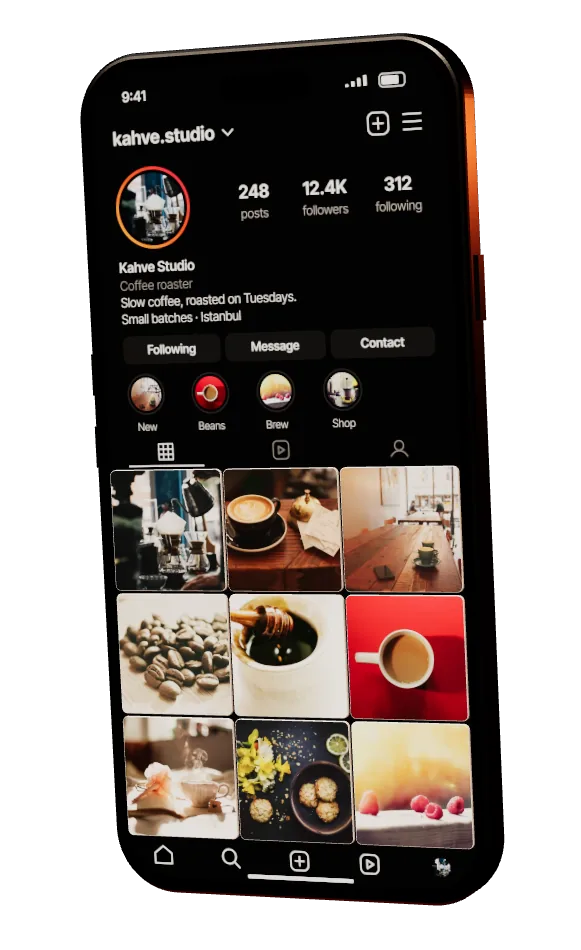









Instagram feed widgets for real websites
Connect a Business or Creator account, shape the widget in a visual Studio, and embed it with a link or one line of script.
01Connect
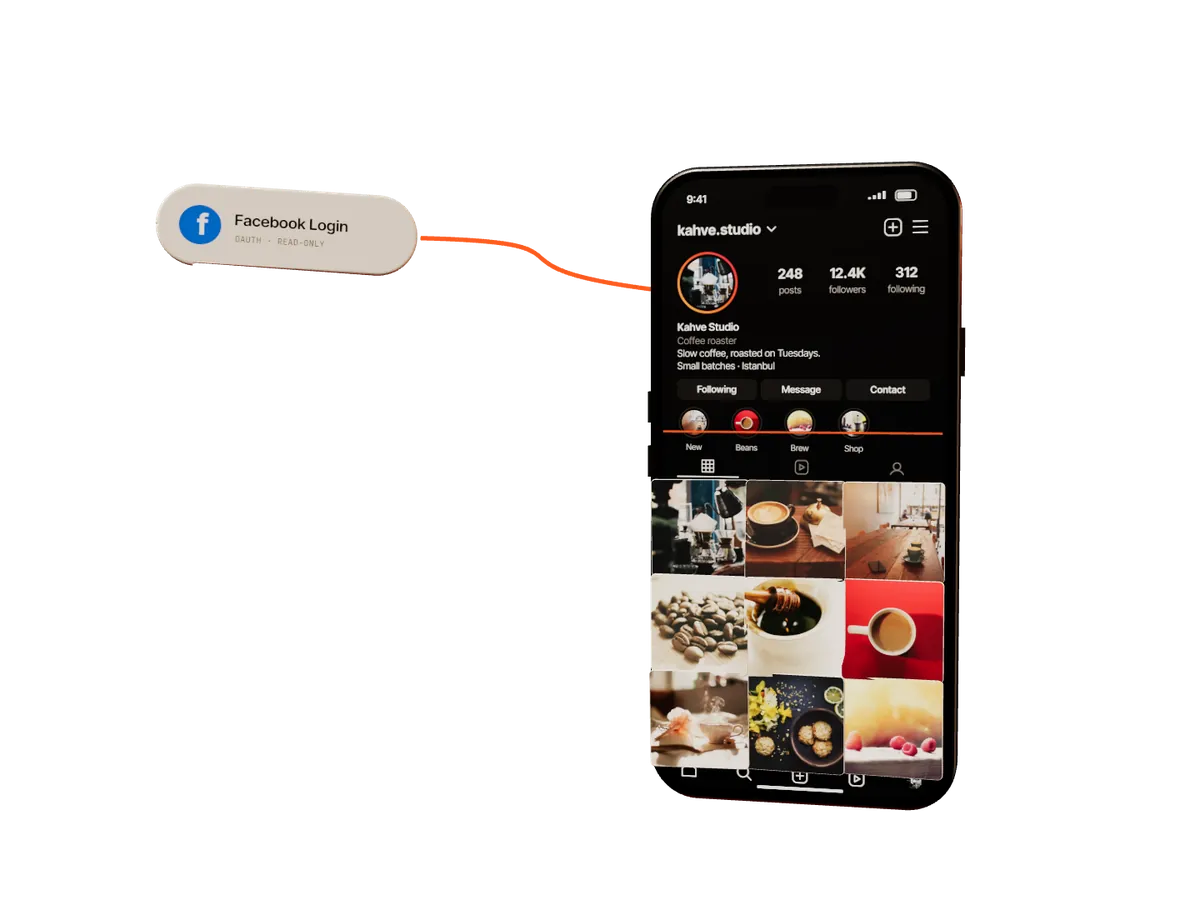
Instagram serves Business and Creator feeds through Facebook’s official API. Sign in once, pick the account, and your latest posts sync to Insigne — no passwords, no screenshots, no copy-paste.
02Studio
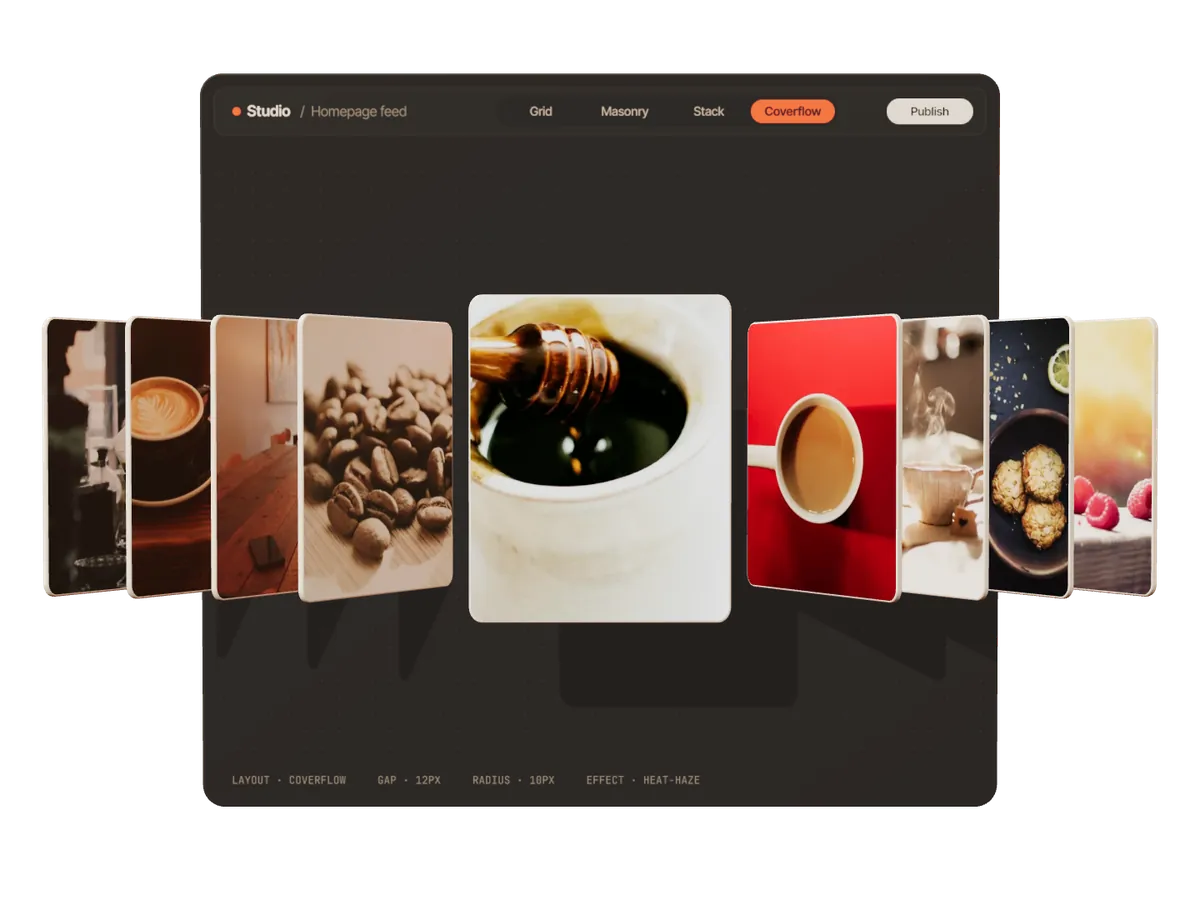
Posts leave the phone and land on a canvas you control. Switch layouts live, tune columns, gaps, corners and captions — what you see is exactly what ships.
Columns that keep each post’s natural shape — portraits stay tall, landscapes stay wide.
A tactile deck of cards that swipes like Stories. Great for narrow columns and phones.
Our own slider engine renders transitions on the GPU. Pick one, or keep it quiet with a plain crossfade.
03Embed
Paste a link wherever your site builder accepts an iframe, or drop one line of script into any HTML. The widget measures its container and adapts to any width and height.
<script src="https://app.sadiksefa.com.tr/embed/v2/loader.js" data-insigne="YOUR-KEY" async></script><iframe data-insigne-frame src="https://api.sadiksefa.com.tr/YOUR-KEY"></iframe>Rendered inside a Shadow DOM: your theme’s CSS can’t break the widget, and the widget can’t touch your theme.
04Placement
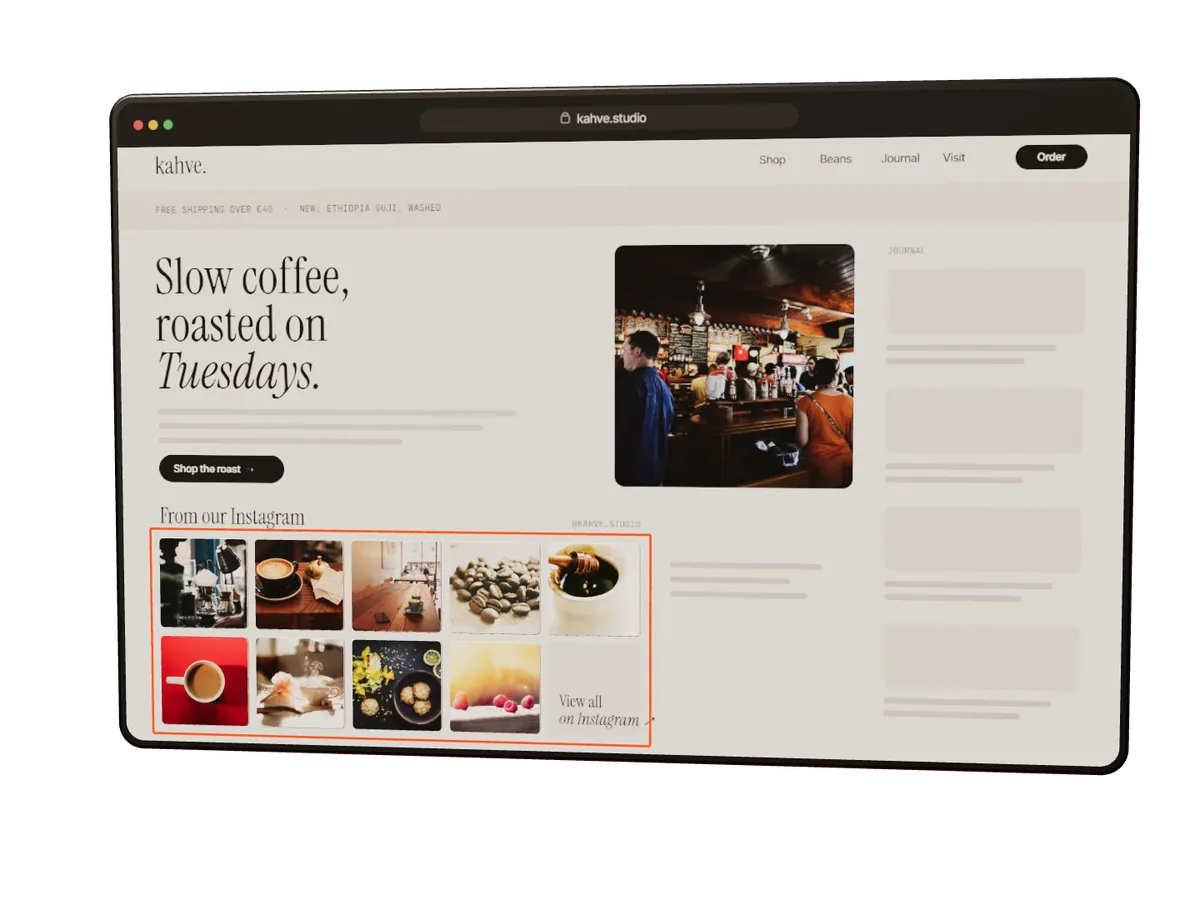
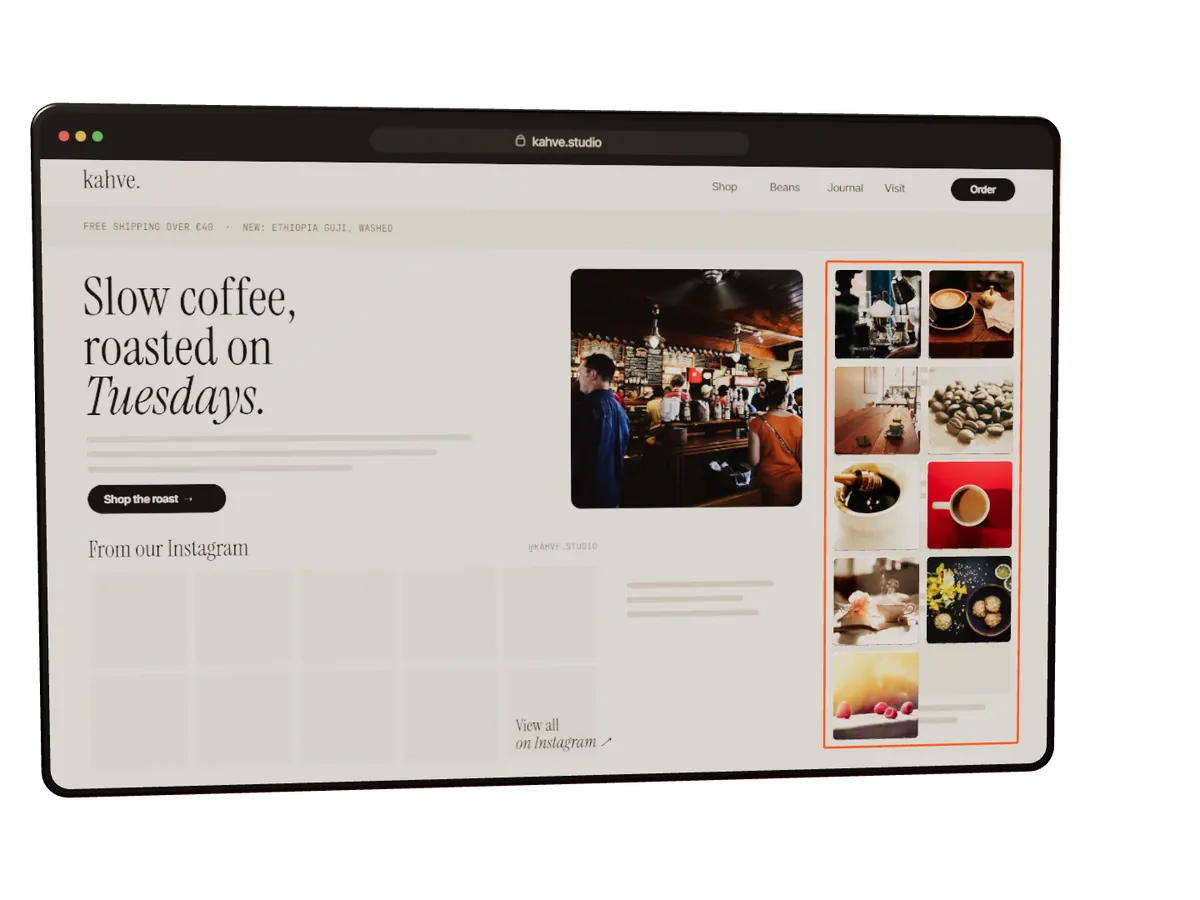
Inline with your content — a grid under the About section, a slider on the homepage.
A slim column that sits beside articles and product pages without fighting the content.
A thin ribbon of recent posts across the top of every page — like an announcement bar, but alive.
A small stack in the corner that opens the full feed on tap. Zero layout changes to your page.
—Templates
Platform-style templates are a starting point, not a cage. Pick one, then change every spacing, radius and caption in the Studio.

05Performance & privacy
Embeds usually cost you speed and your visitors’ privacy. This one is built the other way round.
Lazy
Nothing heavy loads until the widget scrolls into view.
Tiny loader
A small script boots first and fetches the rest only when it’s needed.
CDN
Assets are cached at the edge and served from close to your visitors.
No tracking
No cookies, no analytics pixels, no fingerprinting on your visitors.
—Pricing
Free
€0forever
ProPopular
€9/ month
Studio
€24/ month
—FAQ
A Business or Creator account linked to a Facebook Page. That’s how Instagram’s official API exposes feeds. Switching is free and takes a minute in the Instagram app.
The loader is small and the widget stays dormant until it scrolls into view. Images are lazy-loaded and served from a CDN.
If your platform accepts an HTML snippet or an iframe, yes. Use the script for full control, or the link where only iframes are allowed.
No. The widget renders inside a Shadow DOM, so styles don’t leak in either direction.
Automatically, in the background. New posts show up without you touching the embed code.
Only what’s needed to show your posts: your account ID, an encrypted access token and post media. Your site’s visitors aren’t tracked. You can disconnect any time and ask us to delete everything. Details in the privacy policy.